
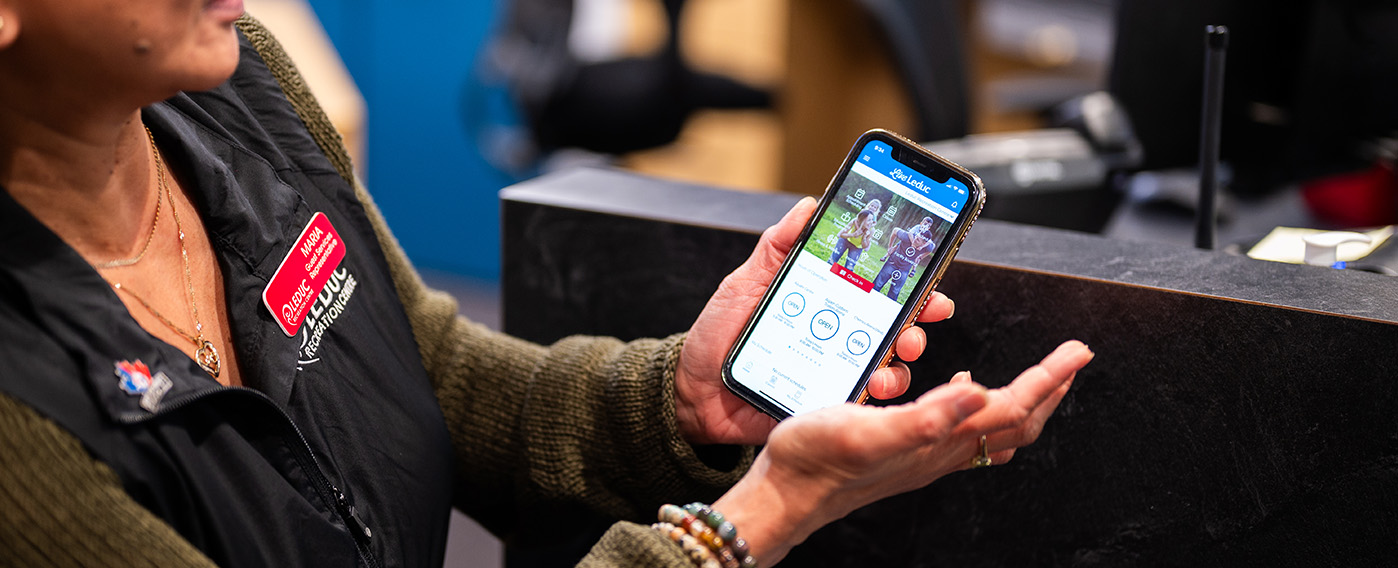
Download the Live Leduc Mobile APP to pre-book your spot, check schedules, and get real-time alerts.
Your LRC, In Your Pocket.
- On your smartphone/tablet open the Apple App Store or Google Play store.
- In the search bar, type in “Live Leduc”.
- Press on the download button to install the app onto your phone.
- Exit the app store and wait for the download to finish.
- Open up the Live Leduc Mobile APP and enter your login details.
- It is because the pre-booked capacity of the timeslot is full or that amenity no longer requires pre-booking.
- Click on Classes.
- Pick the day of the week you would like to attend AquaFit – Indoor Pool.
- Click Reserve.
- You will receive confirmation, Reservation complete.
- You can then add the reservation to your calendar or share it with friends and family.
NOTE: Please make sure that the top right hand corner facility drop down is on Woodbend Dental Aquatic Centre to reserve your spot in class.
- Go to My Schedule to cancel your appointment at least one hour in advance of your start time.
- Go to the day and time you are looking to cancel.
- Click Cancel.
- There will be a confirmation question to make sure you want to cancel, then Click Yes, cancel.
- You will receive confirmation, Reservation Canceled. Would you like to make another reservation? You can choose Close or Yes.
Patrons are responsible for cancelling their scheduled drop-in activity reservations in advance made through the Live Leduc Mobile APP or Guest Services. Cancellations need to be made at least 1 hour in advance of the scheduled drop-in activity start time.
To cancel a reservation, patrons can use the Live Leduc Mobile APP or call Guest Services at (780)-980- 7120.
Patron’s spots will be forfeited 5 minutes after the start time of their drop-in activity if they do not check in for their reservation. This will result in their reservation being a “no-show”.
No Show Guidelines
- Three no-shows within a 30-day period will result in loss of ability to reserve spots in the Live Leduc Mobile APP* for one month.
- Repeated no-shows upon reinstation of the Live Leduc Mobile APP will result in loss of ability to reserve spots in the Live Leduc Mobile APP* for three months.
- Continuation of no-shows after a 3-month Live Leduc Mobile APP* suspension will result in escalated penalties.
- Access the facility 10 minutes prior to your scheduled appointment.
- Yes, you may book up to 73 hours in advance for each amenity.
- Yes, you can cancel and change your appointment using the Live Leduc Mobile APP or by phone (780)-980-7120.
- Yes, you can book over the phone but using our app is encouraged due to the high volume of calls we are currently receiving.
- Yes, we ask that all patrons wear their wristband. It is important that everyone’s wristband is worn and is visible.
- We recommend arriving a few minutes early for your appointment; as you enter the facility, please proceed to Guest Services to check in, confirm your membership is valid or pay daily admission and receive your wristband.
NOTE: Your pre-booked spot will be held for 5 minutes after the start time of the activity or class. At that time, your spot will be released.
- Live.Leduc.ca | View all recreation services, programs, memberships and active living offered by the City of Leduc. Our Live Leduc Online Portal offers you the ability to access your account, view courses and register for programs. Branding is red.
- Live Leduc Mobile APP | It will allow you, our LRC members and the public to access class schedules, view hours of operation, receive amenity closure notifications, reserve your spot for Group Fitness and AquaFit Classes, and so much more right at your fingertips. Download the Live Leduc Mobile APP today through Google Play or the App Store. Branding is blue.
- Click on Classes.
- Pick the day of the week you would like to attend.
- Choose your class of choice.
- Click Reserve.
- You will receive confirmation, Reservation complete.
- You can then add the reservation to your calendar or share it with friends and family.
NOTE: Please make sure that the top right hand corner facility drop down is on Leduc Recreation Centre for Fitness, Alexandra Outdoor Pool for the Outdoor Pool and Woodbend Dental Aquatic Centre for the Indoor Pool to reserve your spot in class.
- Click on Appointment Scheduling.
- Select your activity e.g. Adult 18+ Shinny, Stick & Puck.
- Select your start time, duration, number attending (when applicable) and then click.
- You will receive confirmation, Reservation complete.
- You can then add the appointment to your calendar or share it with friends and family.
NOTE: Please make sure that the top right hand corner facility drop down is on Leduc Recreation Centre to schedule your appointment.